

Last week I caught myself doing the same tiny admin tasks for the third day in a row—copying notes from Telegram, retyping priorities, and pretending it was “planning.” Out of mild annoyance (and coffee-fueled curiosity), I gave my AI agent a few prompts from a YouTube walkthrough… and it immediately built a Kanban board, scheduled a daily research report, and started suggesting what it could do without me asking. The slightly unnerving part: once the memory setup was right, it felt less like a chatbot and more like a junior operator who remembers how I work.
1) The “memory flush” tweak that made it stick (Agent Based AI)
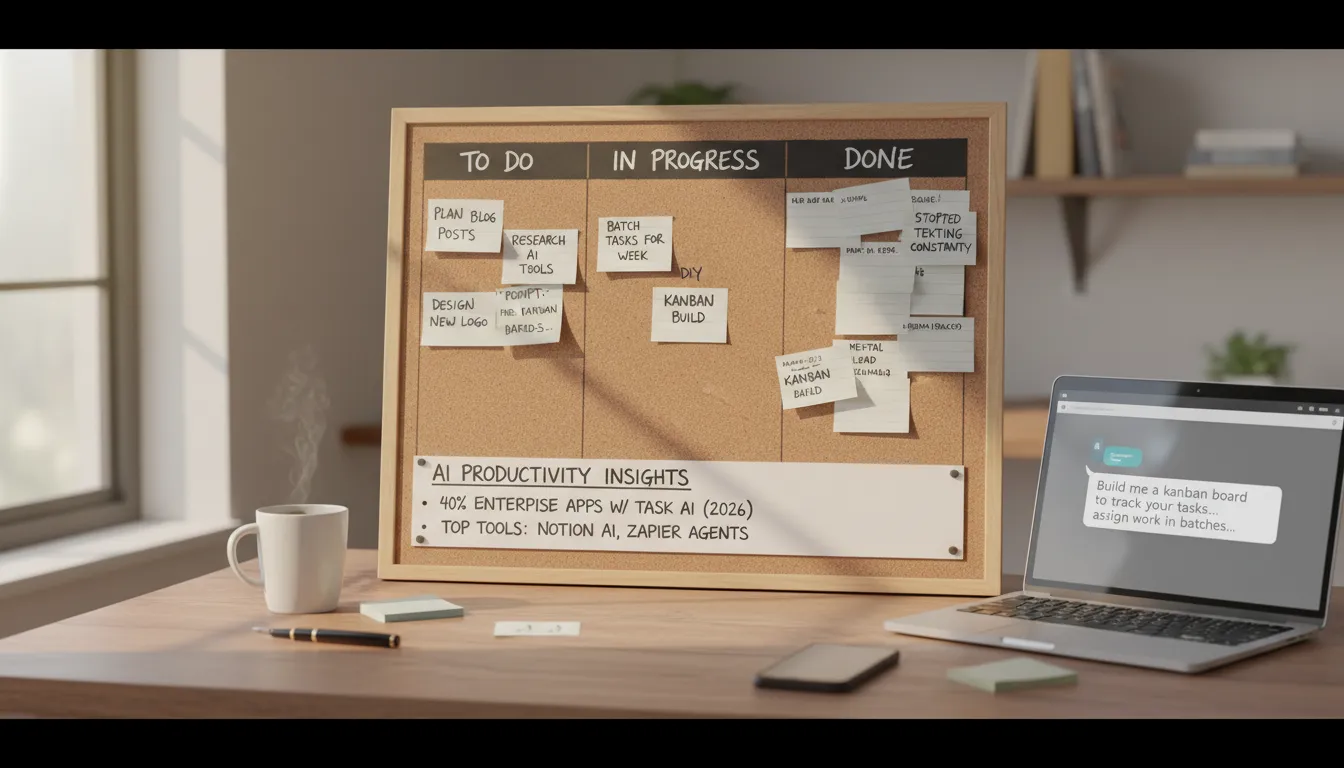
My first failure with this agent based AI setup: I treated Claudebot like a perfect notebook, then got annoyed when it forgot context from a couple hours ago—day by day, yesterday vanished.
What fixed it was enabling memory flush before compaction. After that, my custom GenAI stopped letting conversations evaporate and started behaving like real workflow automation inside my AI productivity tools stack.
- Short-term: today’s task and active thread
- Daily: this week’s rhythm and recurring work
- Long-term: preferences, business rules, do-not-break constraints
Tiny ritual: if it matters, I say where to store it; otherwise it’s disposable. It’s like hiring help with a messy desk—memory settings are the filing cabinet, not a personality trait.
The problem with clawbot out of the box is that it struggles with memory.
2) Project Management without the ping-pong: my DIY Kanban board
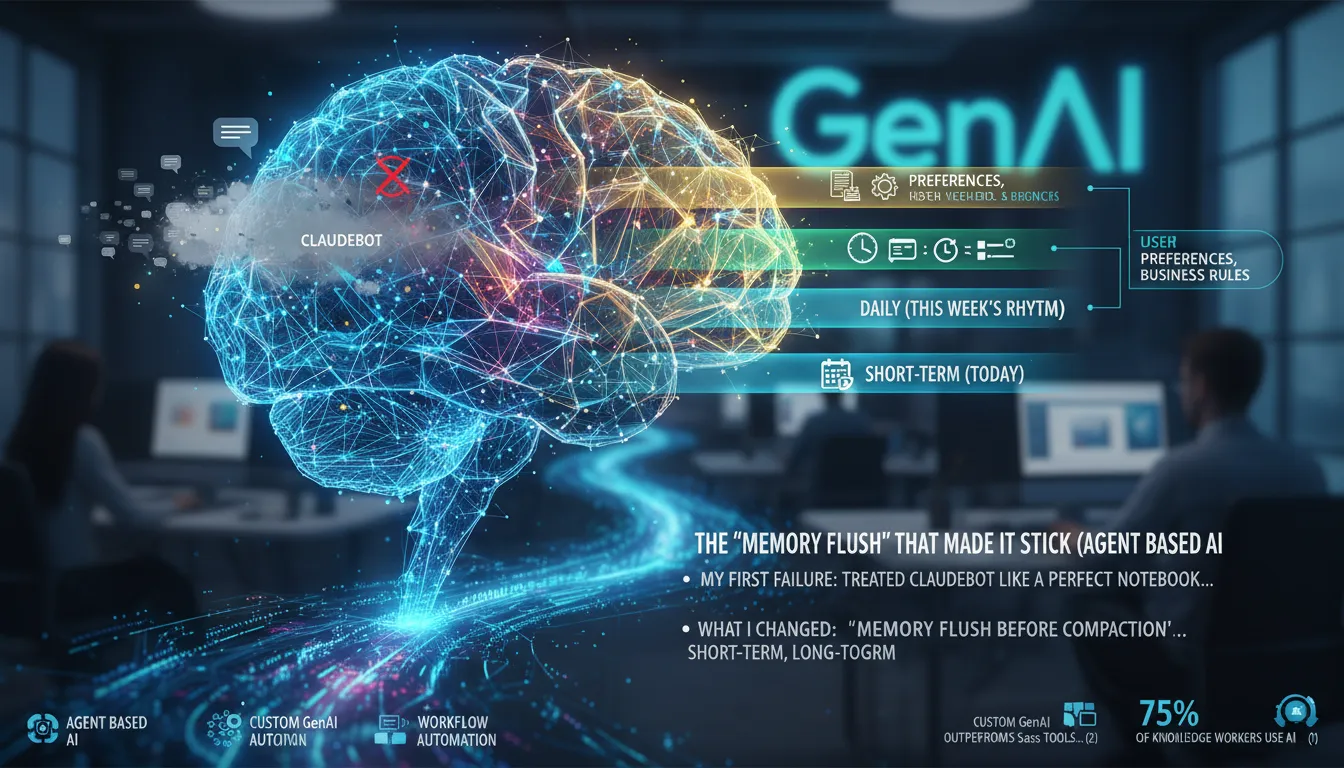
For project management, I used: “Build me a kanban board to track your tasks… assign work in batches rather than texting constantly.”
Build me a cam board to track your tasks. I want to be able to assign work in batches rather than texting constantly.
Claudebot built a board with two interfaces, created the files, and let me run simple commands like show kanban and add to kanban. That small bit of task automation improved my task efficiency fast.
| Columns | Tasks | In Progress | Blocked | Done |
|---|
Seeing “In Progress / Blocked / Done” lowered my mental load more than any fancy dashboard. If your brain rebels at ClickUp or Notion AI, a simple agent board can feel calming. With 40% of enterprise apps adding task-specific agents by 2026, these AI productivity tools are becoming normal.
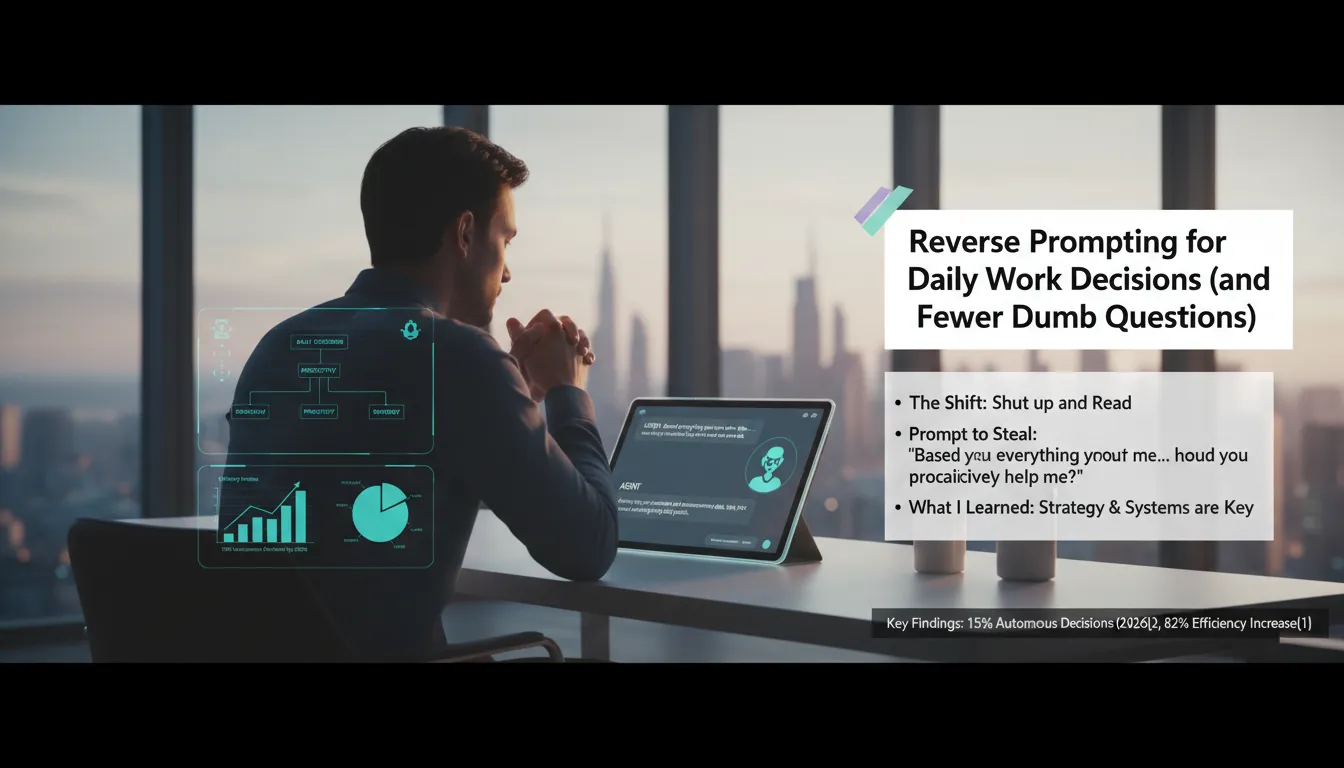
3) Reverse prompting for Daily Work Decisions (and fewer dumb questions)
I flipped the script: I asked my agent how it could help me—then I shut up and read. Reverse prompting is simple: daily work decisions get easier when the AI tells me what to do, not the other way around.
It means rather than you telling the AI what to do, the AI tells you what to do.
Prompt to steal: Based on everything you know about me, my goals, and constraints—how could you proactively help me? Don’t wait for me to ask. It usually returns 10–12 actions for a productivity increase and better operational efficiency.
Hard lesson: “idea guy” isn’t the bottleneck—business strategies and systems are (next 6 months).
No AI slop rule: if it can’t explain the system, it doesn’t ship. Hypothetical: if it ran my Monday for a week, what would it delete, delegate, or template?
4) Turning 20 minutes into a 2-minute review (Productivity Increase)
I keep this bookmarked because it drives a real productivity increase with my AI productivity tools.
What currently takes me 20 minutes at the moment that you could turn into a two-minute review?
Where it improved task efficiency
- Summarizing long threads into a 5-bullet brief
- Drafting checklists from messy notes
- Pre-formatting decisions so I only approve/deny
For resource allocation, the agent isn’t “doing my job”—it’s clearing the driveway so I can actually drive. If I don’t know, I ask it to tell me how, and it often finds 20–40 minutes of daily savings. That lines up with reports of a 24.69% average productivity increase and 15.7% cost savings from AI adoption, with some stats projecting 40% gains.
Rule: if it saves 20–40 minutes, I reinvest 10 minutes into better instructions next time.
5) The nightly ‘build me something wonderful’ experiment (luck + guardrails)
Confession: I use a vague prompt on purpose—part curiosity, part laziness: Build me something wonderful. Some nights it’s a 3/10 and I shrug.
Why it can work: all day my Claudebot does workflow automation, gets my feedback, and reviews my X/YouTube. It can even spin up an analytics dashboard (think Supaboard AI-style centralized reporting), so it learns what “good” looks like.
Guardrails: I keep expectations low, ask for one shippable output, and iterate. The upside is real cost savings: a couple minutes and a few cents to dollars in API cost.
“What if it builds something absolutely crazy?”
It’s a message-in-a-bottle bet on generative AI—and GenAI often lands 26–34% ROI in real work.
6) Task Specific Agents: splitting bots to beat context switching
I now run several task specific agents (some on a private Mac mini) because one bot trying to do everything creates memory drift and constant “wait, what were we doing?” energy. In early agent based AI setups, splitting roles is simple resource management that keeps my work clean.
I think it's good to have one focused on one area of your life one focused on another or another part of let's say your business.
- Ops/Admin: invoices, reminders, checklists
- Content: outlines, edits, repurposing
- Research: sources, summaries, comparisons
If one agent goes off the rails (connection, weird state), I’m not blocked. I also name them; it sounds silly, but it reduces decision fatigue and speeds workflow automation. If you’re tight on time, start with two: Work + Life. By 2026, 40% of enterprise apps will include task-specific AI agents.[1]
7) The 2 p.m. daily research report (plus my reminder nudge)
The prompt that changed my afternoons: a 2 p.m. daily research report built on what it knows about me, with real time insights I can use right away.
I want a daily research report every afternoon based on what you know about me.
One topic I request a lot: Energy management vs time management—because my calendar isn’t the real problem. Claude Pro is great here: it handles task automation, resource management, and progress monitoring without feeling clunky.
Reminder flow for daily priorities
- 8:30 a.m. ping: record my top 3 daily priorities
- End-of-day check-in: what I did / didn’t do
- Log it and push to ClickUp
When I’m buried in PDFs, I pair the brief with NotebookLM summaries so I can keep using my AI productivity tools without drowning.
8) ‘Save it as a skill’: my personal Skill MD library (Custom GenAI)
Whenever my agent nails a workflow—API setup, checklist, or task automation—I tell it to store it in the skills MD folder.
“Ask it to save it in its skills uh MD folder. Just say to it, can you save it as a skill?”
This custom GenAI approach matters in enterprise applications and quality management: I stop re-teaching the same steps, and the system feels cumulative over weeks. It also beats one-off SaaS habits; in regulated environments, custom GenAI can deliver better enterprise-scale ROI, while tools like Supaboard AI show how centralized data can automate reporting for faster decisions.
My reliability test: list your current skills, then I spot-check outputs (especially analytics numbers).
I’ll save Gemini API experiments, Gmail API key workflows, and careful social scraping. I keep keys out of chat logs and rotate them.
Conclusion: Basic beats flashy (and that’s the point)
My real takeaway from these AI productivity tools is simple: the “second brain” dashboards look cool, but
At the end of the day it's the basic things it seems to be doing really well.When I’m researching on Twitter/X or YouTube, an agent with an API key can pull what I need fast and reliably—better than the complicated workflow automation setups I’ve tried that tend to break.
My operating principle now is to play with prompts, watch for better ones, and use “reverse prompting” so the bot suggests the next move. I’m excited, slightly wary, and mostly motivated—82% of weekly AI users report increased efficiency and businesses see 15.7% cost savings[1], but I still verify outputs. If generative AI is a treadmill, agent-based task automation moves it next to my desk and sets the speed to boost productivity.
