

A few months ago I caught myself spending more time “trying” AI tools than finishing actual work. Classic. So I did a reset: I picked a normal week, kept my deadlines, and forced every shiny tool to earn a spot in my workflow. Most didn’t. A handful did—and the pattern was oddly consistent: the winners didn’t feel like magic; they felt like removing friction. This post is my field notes from that experiment, with the honest trade-offs (and a couple of side-quests I didn’t expect).
The weird metric I used: “Did it remove friction today?”
I stopped judging AI productivity tools by flashy demos. Demos are optimized for “wow,” not for my Tuesday at 4:47pm when I’m behind on real work. So I used a weird metric: Did it remove friction today? Not “Did it impress me?”—did it leave me with more end-of-day energy.
“I’ve tried hundreds of AI tools in the last 4 years.”
“There are only 10 AI tools that I end up using every single day.”
First-hand testing, not vibes
I tested tools over a normal work week with deadlines, not a weekend “play session.” Since ChatGPT launched, there’s been a wave of new tools every day, and most of them are fine… until you try to use them under pressure. That’s where whats actually useful shows up.
My rule: no new chores
If a tool creates a new maintenance task, it’s out—even if it’s impressive. Examples of “hidden chores”:
Extra logins, browser extensions, or permissions that break
New folders, prompts, or templates I have to babysit
Yet another inbox, dashboard, or notification stream
The “AI tab tax” (a focus killer)
Here’s the pattern I kept seeing: I’d open 12 AI tabs “just in case,” and my focus would quietly die. Context switching is a tax. If a tool requires me to bounce between tabs, copy/paste, and re-explain context, it’s not a productivity win—it’s a distraction with a subscription.
Why workflow integration wins in productivity tools 2026
The top AI tools aren’t the smartest standalone apps. They’re the ones that plug into a structured workflow—calendar, docs, email, tasks—so the AI supports real tasks instead of generating fluff. That lines up with Google Search Central’s “helpful content” idea: tools should help you do the work, not just produce more words.
One simple benchmark I used: typing is ~40 WPM, speaking is ~120–140 WPM. If a tool let me capture intent faster without adding cleanup later, it passed.
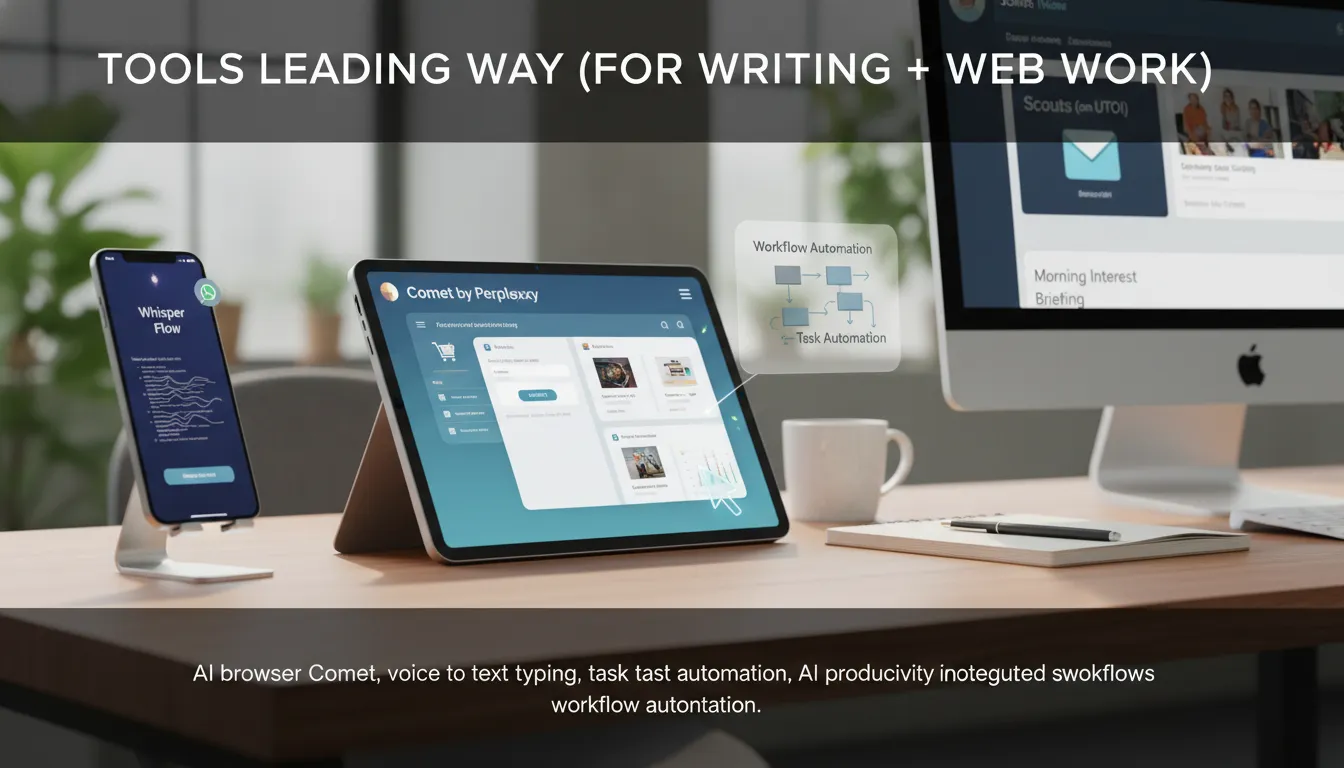
Tools Leading Way (for writing + web work): Whisper Flow, Comet, Scouts
Whisper Flow: contextual voice to text typing that cleans up messy thoughts
I type all day, but I speak faster. As the source puts it,
“Most people have a writing speed of 40 words per minute.”
and
“Most of us can speak at 120 to 140 words per minute.”
Whisper Flow turns that gap into output by replacing the keyboard with voice on my laptop and iPhone.
What makes it different from basic speech-to-text is contextual dictation: I can talk like I’m talking to a friend—ums, corrections, and mid-sentence changes—and it still lands the final intent. I tested it in WhatsApp replies and email, and it handled “no, change that” edits without me retyping. It also works for faster prompting: I dictate, it formats the prompt, and it can hit enter in ChatGPT.
AI browser Comet (by Perplexity): task automation through “boring clicks”
The AI browser Comet concept sounded gimmicky until it started doing real web work. The source nails it:
“Comet is a AI browser which will do tasks on your behalf.”
Under the hood, these browser agents likely use DOM interaction plus tool calling to click, read, and fill fields across tabs.
Replying to comments
Adding items to carts, finding coupon codes, comparing products across tabs
Filling forms, drafting sheets, creating formulas
Trust note: agentic browsers raise privacy concerns. I use separate browser profiles and avoid sensitive logins unless vendor policies are clear.
Scouts (on UTOI): daily web scanning that fits structured workflows
Scouts is my morning “interest briefing.” I set topics (AI, finance, or even the Tata Steel stock), and it scans the internet daily and emails updates every morning. Inbox delivery beat my old “I’ll research later” lie—especially when I plug it into a structured workflow (triage → save → act), which is where AI productivity tools consistently perform best.
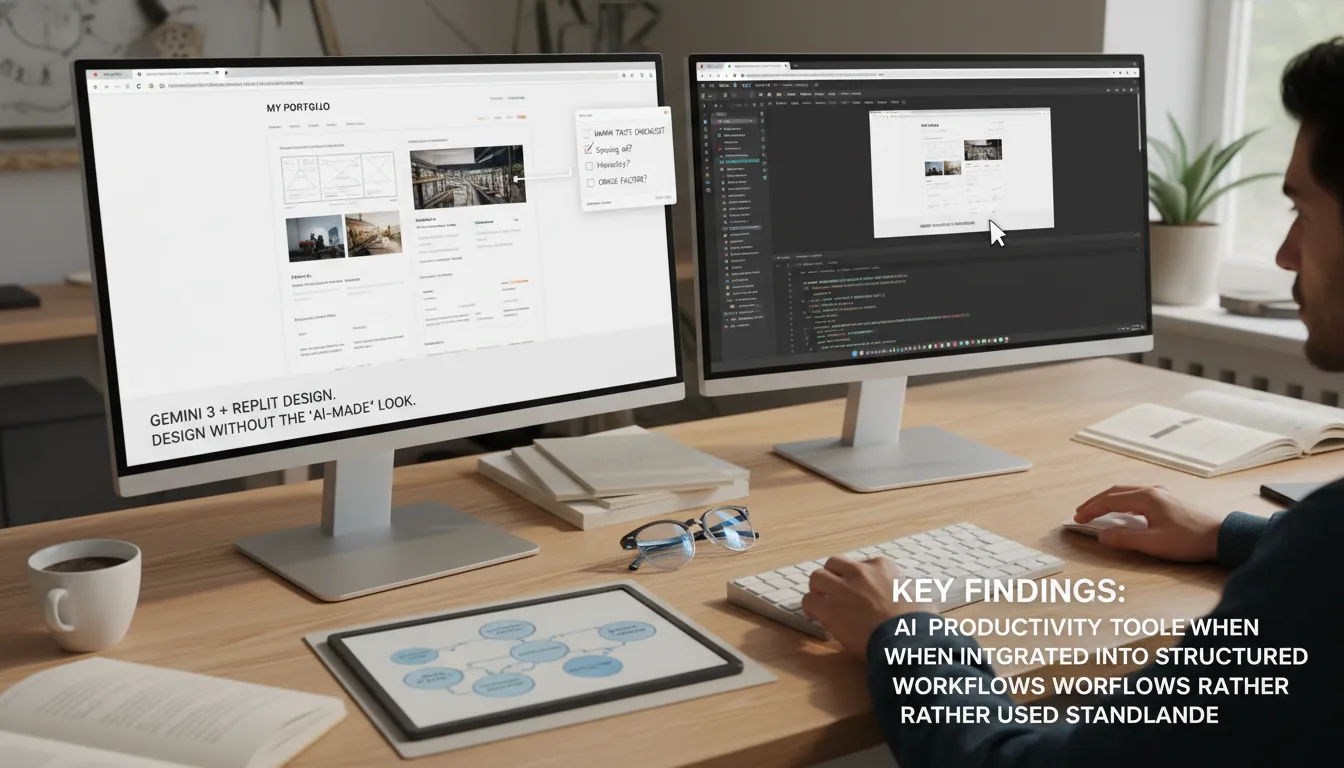
Design without the ‘AI-made’ look: Gemini 3 + Replit Design
If you’ve tried building sites with AI, you know the “samey” problem: default component libraries, generic copy, and a weak visual rhythm that screams template. Gemini 3 changed that for me. Replit Design is one of the first tools leading way to turn Gemini 3’s stronger design sense into something I can actually ship as part of my AI productivity tools stack.
My portfolio-site test (picky-client mode)
I asked Replit Design for a personal portfolio site and judged it like a difficult client would: spacing, hierarchy, and overall cringe factor. The first draft was surprisingly clean—better type pairing, clearer sections, and fewer “AI gradients everywhere” vibes. It still needed direction, but it didn’t look like an obvious bot site.
The useful part: design → publishable app/link in one flow
What makes this one of my favorite productivity tools 2026 picks is the workflow. I can prompt the UI/components, tweak, then convert the design into a working app and publish a shareable link without bouncing between tools. That’s real streamlining workflows, and it matches what I’ve seen: AI productivity tools work best when they’re integrated into a structured process, not used standalone.
“In less than 2 to 3 minutes, you will get the entire design ready for you.”
My “human taste checklist” (yes, I keep it open)
Brand tokens: colors, radius, shadows, button styles
Type scale: H1/H2/body sizes and line-height rules
Spacing system: 8px grid, consistent section padding
Copy pass: remove generic slogans, add real proof
Accessibility: contrast, heading order, focus states
Privacy: if collecting data, verify forms/analytics settings
“Replit is honestly the most goated vibe coding app right now.”
Creative output stack: video, images, and audio that’s actually editable
In AI tools 2026, “creative” only helps productivity when the output is editable and fits a workflow. I treat these as AI productivity tools that plug into a repeatable pipeline (brief → draft → iterate → export), not one-off generators.
Higgsfield AI (video): my “virtual film crew” for controllable shots
The market signal is real:
“Someone won a million dollars by creating a movie called Lily by Google Gemini.”
It used V3, and that tells me the tools leading way are getting taken seriously. Still, I’m skeptical about repeatability—prizes don’t equal predictable results.
What I actually use: Higgsfield AI as a studio where I can compare outputs across models (Cling, V0/“VO3”, and others). The key is camera control:
“You can pick the angle… which lens… how do you want the frame to move.”
Google Flow has V3 built-in, but Higgsfield’s multi-model access makes it easier to A/B test the same prompt and keep the best take.
Nano Banana Pro on Gemini (images): consistent style across iterations
When I need continuity, Nano Banana Pro is my go-to among the best AI tools. I start with a simple prompt, set aspect ratio, then iterate: profile pic → website mockups → infographic. The reason it stays in my stack:
“It’s really great at keeping a design consistent while making small changes.”
Meta SAM Audio (audio): the fix for ruined recordings
I didn’t know I needed SAM Audio until a café recording wrecked a clip. I uploaded the file, separated tracks (voice vs background guitar), added light effects, and exported clean stems—huge for podcasts and voiceovers.
Trust note: watch rights/licensing for AI video/image; document prompts and source assets.
Avoid copyrighted styles/logos in commercial work.
My ‘council + conveyor belt’ approach: LLM Council, n8n, and Kimmy Slides
1) LLM Council for high-stakes wording (not quick chats)
When the stakes are high—strategy docs, sensitive emails, or decisions I’ll have to defend—I don’t bet on one model. I use an LLM Council, where ChatGPT, Gemini, and Claude all answer the same prompt, then rate each other (out of 5 or 10), and a “leader” model merges the best parts into one response. It’s especially useful when the prompt is ambiguous and I need balanced trade-offs, not just speed.
“This is a new concept created by Andre Karpati on Twitter.”
“It’s available for free… on hugging face.”
Trade-off: council mode can mean higher latency (and sometimes higher cost). For simple Q&A, I skip it.
2) n8n workflow = workflow automation that actually ships
n8n is where I stopped “using AI” and started eliminating manual processes. It’s a drag-and-drop builder for task automation and workflow automation that connects apps and lets me deploy AI agents inside real workflows. This is the core of an AI automation business: you save a team time, reduce errors, and the value is obvious—while the sales cycle is not instant.
I treat each n8n workflow like a conveyor belt:
Trigger (form/email/CRM update)
Enrich (LLM + data lookup)
Route (Slack/Jira/HubSpot)
Log (Sheets/DB) + notify
Research matches my experience: Zapier Agents and n8n automate repetitive workflows best when integrated into structured systems, not used standalone.
3) Kimmy Slides for dense, consultant-style decks (with verification)
I tested Gamma, Manus, and Canva AI, but I trust Kimmy Slides most when I need data-heavy slides with pie charts and bar charts—without staring at PowerPoint at midnight.
“If you want dense slides which have a lot of data in them… then Kim Slides is going to help you with that.”
I still watch for hallucinations: I require source links, manually verify numbers, and keep a “sources” appendix slide for every deck.
Conclusion: My 2026 ‘irreplaceable’ playbook (and a wild card)
To close out this guide to top AI tools and AI tools productivity, I keep coming back to one idea: tools don’t make you productive—workflows do. Most research conversations I follow (from places like MIT, OpenAI, and Stanford HAI) point in the same direction: AI productivity tools work best when they’re integrated into a structured pipeline, not used as random one-offs.
My daily stack in productivity 2026 runs like a simple pipeline: I capture ideas fast with voice, then I act with a browser agent to handle the boring clicks and forms. Next, I stay informed with daily “scouts” that summarize what changed in my niche. After that, I build the actual assets—design, video, image, and audio—then I automate the handoffs in n8n so nothing gets stuck. Finally, I present everything cleanly with Kimmy so the output looks like a real deliverable, not a messy draft.
“These were the 10 AI tools that you should master in 2026 to become irreplaceable.”
I like that framing, but I’d reword the promise as: reliability + speed + verification. In 2026, people expect faster turnaround with better judgment. AI can’t be your taste, your ethics, or your accountability—those are still on you. That’s also why privacy matters: voice data and browser automation can be sensitive, so I always check vendor policies and opt out of training when it’s available.
Wild card: if my laptop died today, I’d rebuild three things first—my voice capture tool (so ideas don’t vanish), my browser agent (so execution stays fast), and n8n (so my system keeps running). That says my priorities are input, action, and repeatability—the real key takeaways behind any “irreplaceable” stack.
If you’re still here, drop your own “daily 3” in the comments—what would you keep if you had to start over?
